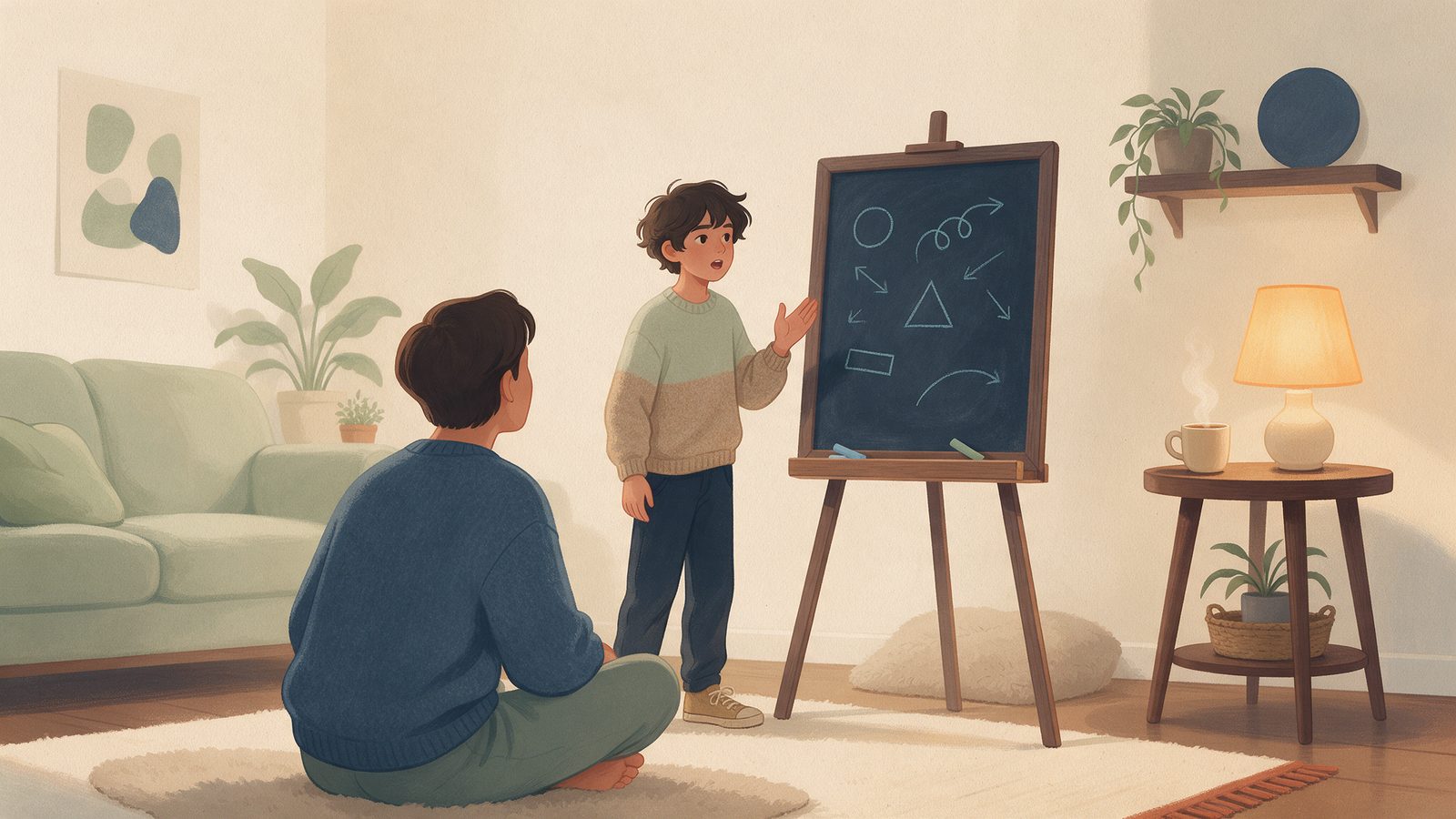
Why Voice, Camera and Handwriting Are Replacing the Keyboard
Kids think out loud, write math by hand and snap worksheets. What each input is good for, what goes wrong, and how to design for it.

Watch a middle schooler do math homework and you will notice something odd: very little of the thinking happens in the answer box. My kid mutters while working. They scribble a number in the margin, cross it out, draw an arrow to a different line, and occasionally argue with the worksheet out loud. Then a learning app asks them to type the final answer into a little box, and all of that thinking evaporates. The box keeps the last line and throws away the story of how they got there. For years we built learning software around the keyboard because that is what computers had. That is changing, and I think it is one of the most important shifts in how kids will learn with technology.
Thinking was never typed
Typing was always a strange fit for showing thinking, especially at eleven or twelve. Three reasons stand out from watching my own kid.
First, notation. Try typing a fraction inside a fraction, an exponent, or a long division layout. Kids end up writing something like "3/4 / 1/2" and hoping the software reads it the way they meant. The friction is in the format, not the math.
Second, typing skill varies wildly at this age. Some kids fly. Many hunt and peck. When entering an answer is slow, kids shrink their thinking to fit. Nobody types out three lines of reasoning when one number will do.
Third, a keyboard nudges you toward a polished final draft. Real thinking is messy and loops back on itself. You try something, notice it is wrong, back up. On paper that leaves a trail. In a text box it leaves nothing, because you simply delete it.
It is a bit like judging a cook only by the plate that comes out of the kitchen. You never see the tasting, the extra pinch of salt, the sauce that split and got rescued. Those moments are where the skill lives.
What each input is good for
Voice, camera and handwriting are not interchangeable. Each one is good at capturing a different kind of thinking.
Voice: reasoning out loud
Voice is the best tool I have found for explanation. Ask a kid to type why a strategy works and you get a short sentence. Ask them to tell you and you often get a full minute of reasoning, including the shaky part they would have edited out. Explaining something back is one of the most powerful ways to learn it, and voice removes most of the friction. It also helps with reading aloud, with kids who think faster than they type, and with kids for whom writing itself is the barrier.
Handwriting: the work itself
For math, handwriting is the natural medium. Writing on a tablet with a stylus, or even a finger, lets a kid lay out steps the way their teacher taught them. More importantly, it preserves those steps. If a mistake happens on line three, you can see line three. That is the difference between "wrong answer" and "you dropped a negative sign when you distributed."
Camera: bringing paper in
A lot of real school work still happens on paper, and that is fine. A camera lets a kid snap a worksheet, a page of scratch work or a problem from a textbook, so work they already did can be checked or talked through. It is a bridge, not a replacement. I would much rather my kid do math on paper and photograph it than fight a clumsy on-screen tool.
And yes, the keyboard
The keyboard is not going away. It is still the right tool for short answers, essays and kids who simply prefer it. The goal is choice. Let a kid answer in the way that shows their thinking best, and let that change from problem to problem.
The hard parts
Here is where the optimism needs a reality check. Every one of these inputs is harder to get right than a text box.
Messy handwriting
Middle school handwriting is a genre of its own. A 1 looks like a 7. An x could be a variable or a multiplication sign. Work gets crammed into the corner of the page, written in faint pencil on lined paper, and photographed under a kitchen light with glare across the middle. A system that confidently reads all of that is a system that will confidently get some of it wrong.
Background noise and accents
Homes are loud. There is a sibling practicing an instrument, a dishwasher, a dog with opinions. In our own testing, speech recognition stumbled far more on a kid mumbling in a noisy kitchen than on an adult speaking clearly at a desk. Accents, and families who switch between languages mid-sentence, add another layer. If a tool only works well for one kind of voice, it is not working well.
Privacy of audio and photos
This is the one parents should think hardest about. A voice clip is richer than typed text. It carries your child's voice, and it can pick up background conversations, a sibling's name or a phone call in the next room. A photo of a worksheet might include a name and school at the top, the kitchen behind it, or someone's face at the edge of the frame. Photos can also carry hidden metadata, sometimes including location, depending on device settings.
Then there is where the data goes. Many speech and image features work by sending audio or photos to a cloud service, sometimes one run by a third party rather than the app maker. That is not automatically bad, but you should be able to find out where it goes, how long it is kept and whether it is used to train anything. If an app cannot answer those questions plainly, that is an answer too.
For builders, defaults matter: transcribe and then discard the audio, crop photos to the work, strip metadata, and do not keep raw recordings just because storage is cheap.
Ask, do not guess
If I had to pick one design principle for all of this, it is this: when the tool is unsure, it should ask instead of guessing.
A good waiter repeats your order back. They do not silently decide you probably meant the soup. In a learning app, that looks like a gentle check: "Did you write 7 or 1 here?" or "I heard you say the denominators stay the same. Is that right?" Showing the reading back to the kid before judging the answer turns a potential error into a quick confirmation.
This matters more than it sounds. If a kid gets marked wrong because the software misread their handwriting, they learn that the tool is unfair, and they are right. Trust is hard to rebuild with a twelve-year-old. So a few rules:
- Separate "what did you write or say" from "is it correct." Confirm the first before grading the second.
- Never mark an answer wrong based on a low-confidence reading.
- Make fixing a misreading quick, a tap rather than a retyping exercise.
- Always offer a fallback. If voice is not working tonight, typing or writing should be one tap away.
- Tell the kid what is happening. "I'm not sure I read that right" is honest, and kids respect honest.
The goal is not a perfect recognizer. It is a tool that knows when it might be wrong and behaves accordingly, which, come to think of it, is also what we hope for from kids.
Takeaways
- Typing captures the final answer. Voice, handwriting and photos capture the thinking.
- Use voice for explaining, handwriting for math steps, and the camera to bring paper work in.
- Keep the keyboard as an option and let kids choose per problem.
- Expect messy handwriting, noisy rooms and varied accents, and test with real kids in real homes.
- Ask where audio and photos go, how long they are kept and whether a third party processes them.
- Builders: transcribe then discard, crop and strip metadata, and keep raw media to a minimum.
- When the tool is unsure, it should ask, and it should never grade a guess.